HaloPSA integration

What the HaloPSA integration does

What Lemhi logs in HaloPSA, what it leaves alone, and which setup or usage article you need.

Written By The Lemhi Product Team

Last updated About 23 hours ago

Lemhi pushes Compass tasks into HaloPSA as tickets, so your technicians work them from the queue they already watch. Each pushed task shows its Halo ticket number in Compass and opens the ticket in HaloPSA with one click.

Coming soon. The HaloPSA integration is rolling out to partners soon. Ask your Lemhi contact for access.
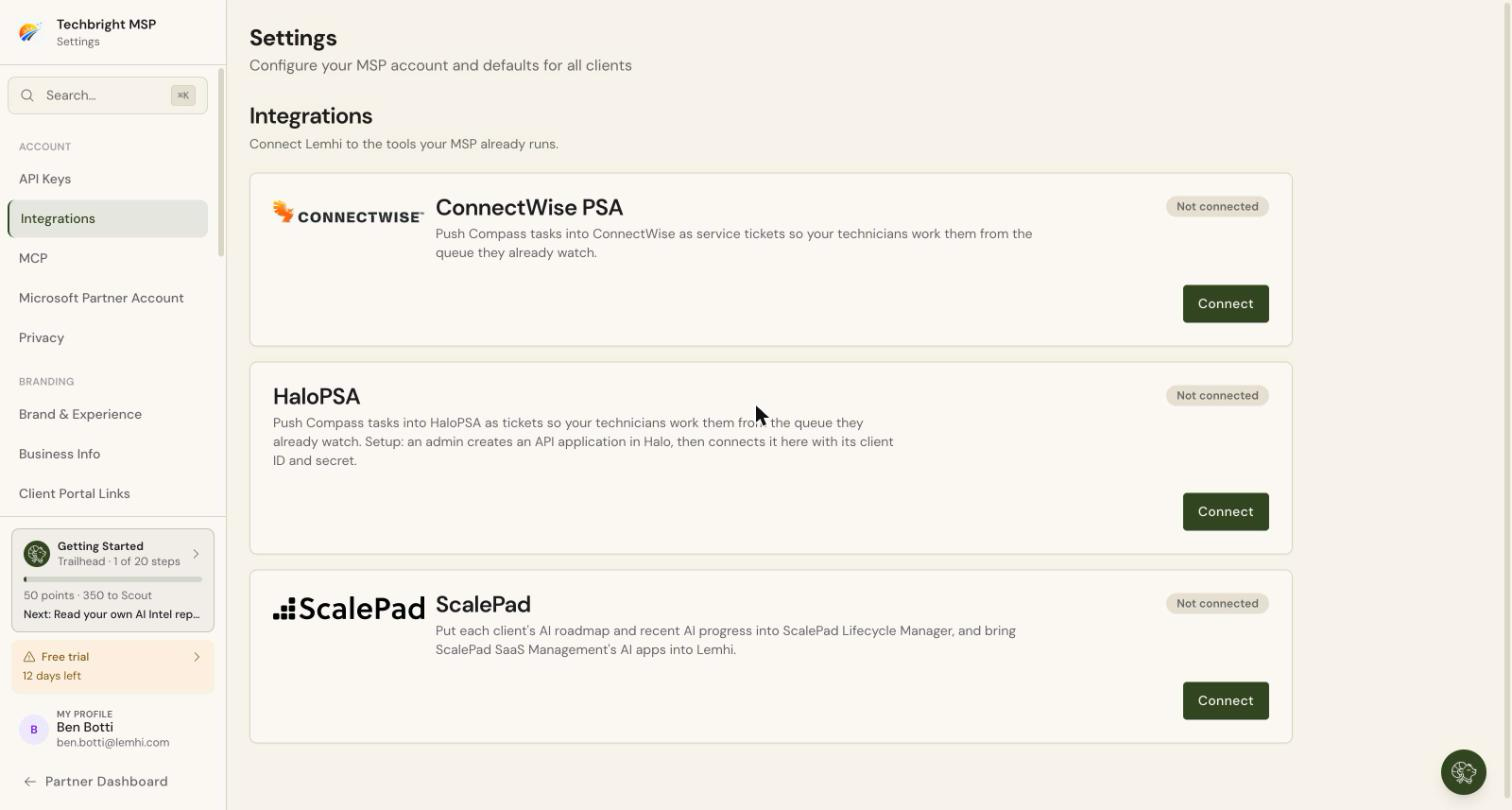
Settings > Integrations. The HaloPSA card with its status and a Connect or Manage button

How the integration works

What it does

What it does not do

Logs a HaloPSA ticket from one Compass task, or from a set of tasks

Create Halo clients, sites, or users. Your clients must already exist in HaloPSA

Files the ticket under the client's Halo client, with the ticket type you choose in Settings and the team you choose when pushing

Set the ticket's status, priority, or agent. Those follow the ticket type's defaults in HaloPSA

Puts a link back to the Compass task at the top of the ticket, so a technician can act without opening Lemhi

Change or delete your HaloPSA tickets. The one exception: linking an existing ticket adds a single note to it

Shows the ticket number and its current Halo status on the Compass task

Complete the Compass task when the ticket closes. That is not part of this release. For now, close the Compass task yourself

Links a Compass task to a ticket a technician already opened

Sync notes, time entries, or attachments

When the ticket type you choose requires Impact, Urgency, or Category in HaloPSA, you pick a default value for each in Settings, and Lemhi sends those values on every ticket.

Which part do you need?

You are

What you do

Articles

The MSP admin setting this up (once)

Create the role, API agent, and API application in HaloPSA, connect it in Lemhi, set ticket defaults, map your clients

Create the role, API agent, and API application, Connect and set ticket defaults, Map clients

A vCIO or account manager (ongoing)

Push Compass tasks to HaloPSA, link existing tickets, track where work went

Push a task to a ticket, Link a task to an existing ticket, See which tasks have tickets

Anyone, when something looks wrong

Find the message and the fix

HaloPSA errors and fixes

Before you start

  • HaloPSA is turned on for your Lemhi account. Lemhi turns the integration on for each partner, and it needs Compass. If Settings › Integrations has no HaloPSA card, ask your Lemhi contact to turn it on.

  • ConnectWise PSA is not connected. Lemhi pushes to one PSA per tenant.

  • A HaloPSA login that can open Configuration and create roles, agents, and API applications.

  • A Lemhi login with the Admin role. Only an Admin can connect HaloPSA, set ticket defaults, and map clients.

  • Somewhere safe to hold the client secret for a few minutes. HaloPSA shows it only once.

Next

Create the role, API agent, and API application in HaloPSA

Related