What the ConnectWise PSA integration does
What Lemhi pushes into ConnectWise PSA, what it leaves alone, and which setup or usage article you need.
Written By The Lemhi Product Team
Last updated 1 day ago
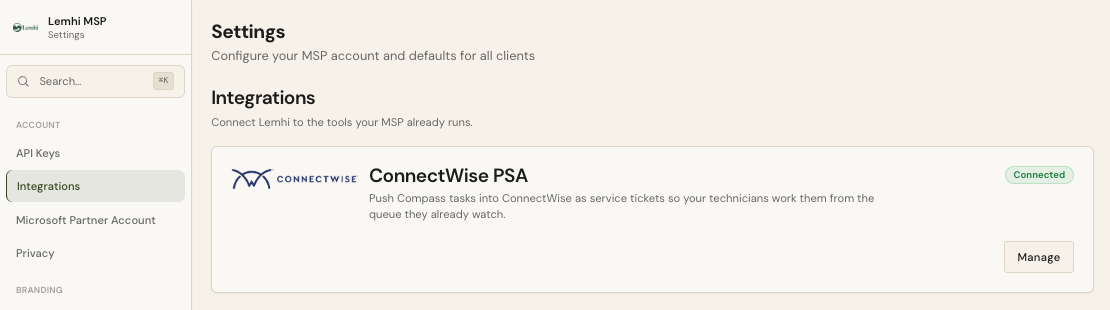
Lemhi pushes Compass tasks into ConnectWise PSA as service tickets, or as project tickets under a project phase, so your technicians work them from the queue they already watch. Each pushed task shows its ticket number in Compass and opens the ticket in ConnectWise with one click.
How the integration works
The integration works with ConnectWise PSA (the classic PSA REST API). ConnectWise Automate and the ConnectWise Asio platform are not part of it.
Which part do you need?
Before you start
ConnectWise is turned on for your Lemhi account. Lemhi turns the integration on for each partner, and it needs Compass. If Settings › Integrations has no ConnectWise PSA card, ask your Lemhi contact to turn it on.
HaloPSA is not connected. Lemhi pushes to one PSA per tenant.
A ConnectWise PSA login with access to the System module (security roles, members, and setup tables).
A Lemhi login with the Admin role. Only an Admin can connect ConnectWise, choose the default board, and map clients.
Somewhere safe to hold two 16-character keys for a few minutes. ConnectWise shows the private key only once.
Allow about 15 minutes for the ConnectWise setup and the Lemhi connection. Client mapping depends on how many clients you have; auto-map does most of it.
Next
Create the security role, API member, and keys in ConnectWise
Related
Was this helpful?
Still need help? Ask the team