Map clients to ScalePad
Match each Lemhi client to its ScalePad client with Auto-map, then resolve anything left in the Unmapped tab by hand.
Written By The Lemhi Product Team
Last updated 10 days ago
This is for the Lemhi admin who has already connected ScalePad. When you finish, each client you want in ScalePad is linked to its ScalePad client.
Map your clients
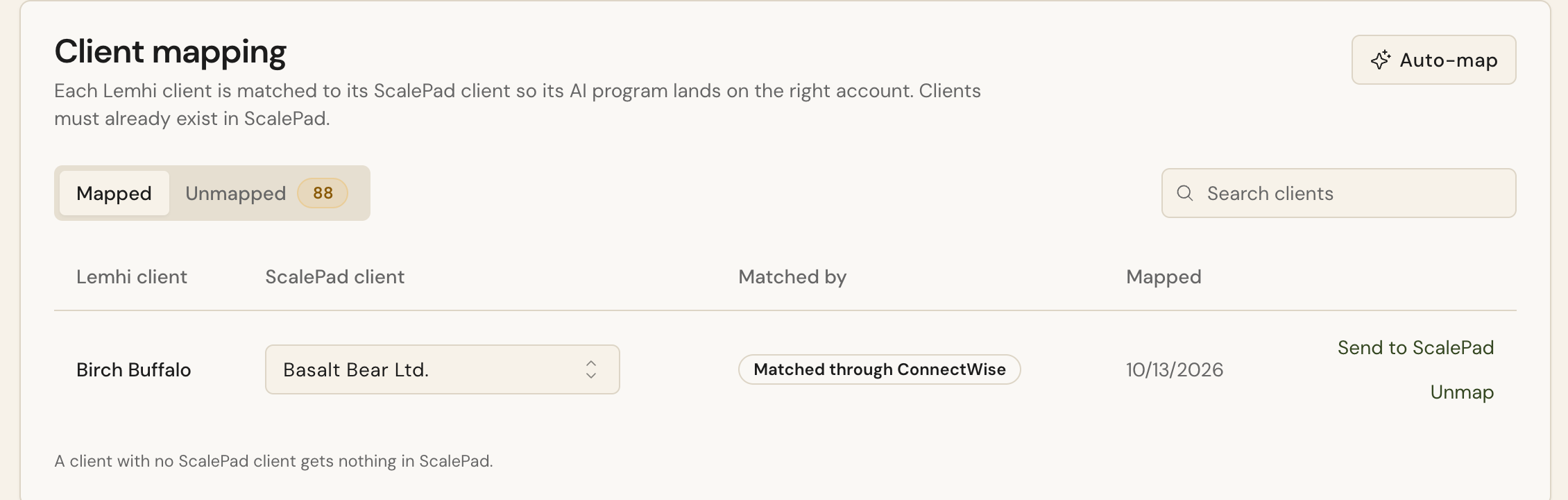
On the same page, under Client mapping, select Auto-map. Lemhi matches clients through ConnectWise first, then exact name, then domain.
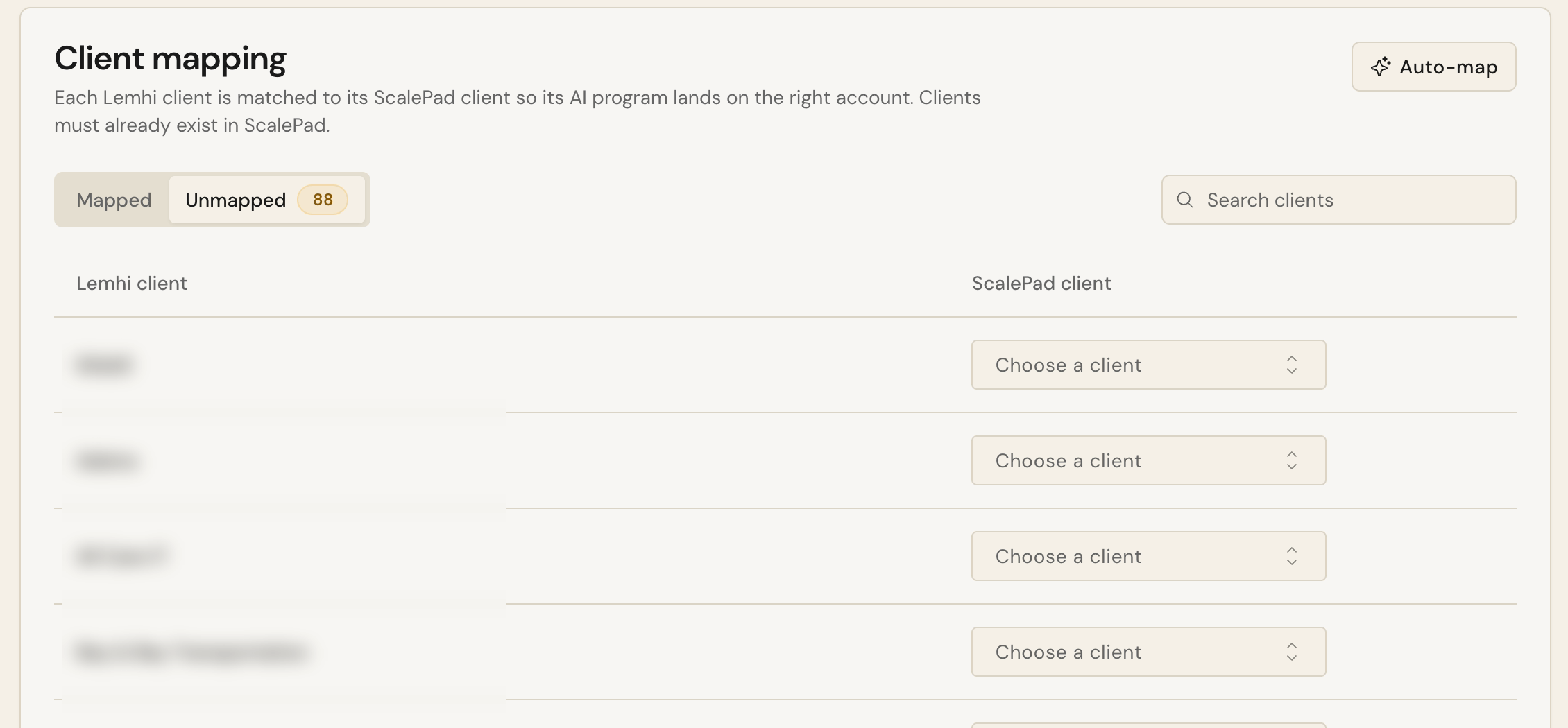
Open the Unmapped tab. Anything Lemhi couldn't match with confidence waits here, marked for review. Use Choose a client to pick the ScalePad client by hand.
Good to know
Unmap removes the link in Lemhi only. Nothing changes in ScalePad.
A client on a Lifecycle Manager license without Meetings shows "Meetings aren't available on this client's ScalePad license. Initiatives still sync, but the QBR note won't." Reports can't be sent to that client either.
A client with no ScalePad client gets nothing in ScalePad.
Next
AI roadmap to ScalePad initiatives
Related
Was this helpful?
Still need help? Ask the team